
Lock screens
Your free Six-Starters thing
(It's a couple of lock screen background you can use to LEARN them, and an AI prompt to help you APPLY them.)
How to use
- Save the files you want to use.
- Either:
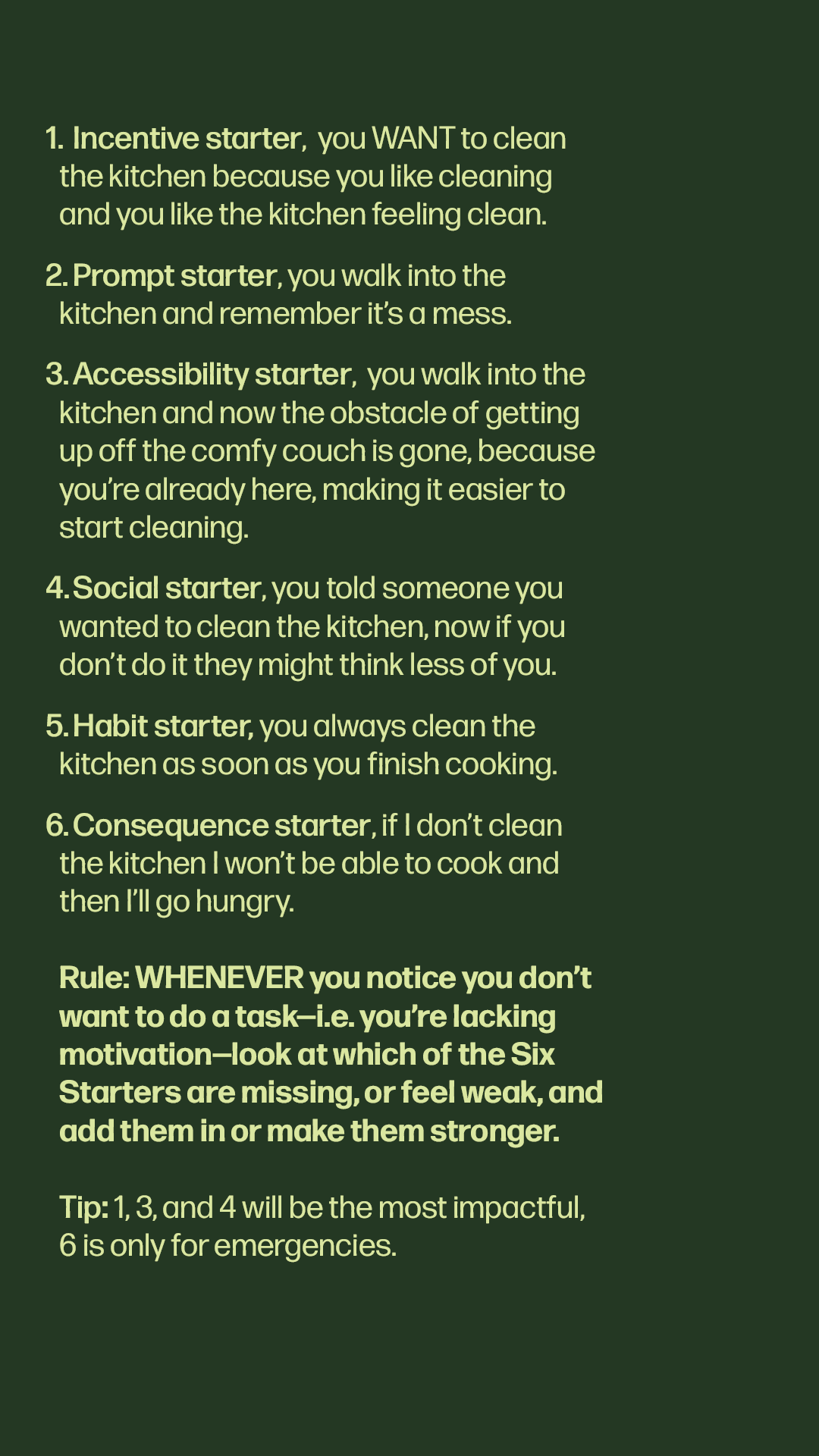
- a) set the first image (with all Six Starters ) as your lockscreen. This is better if you always want a reference sheet.
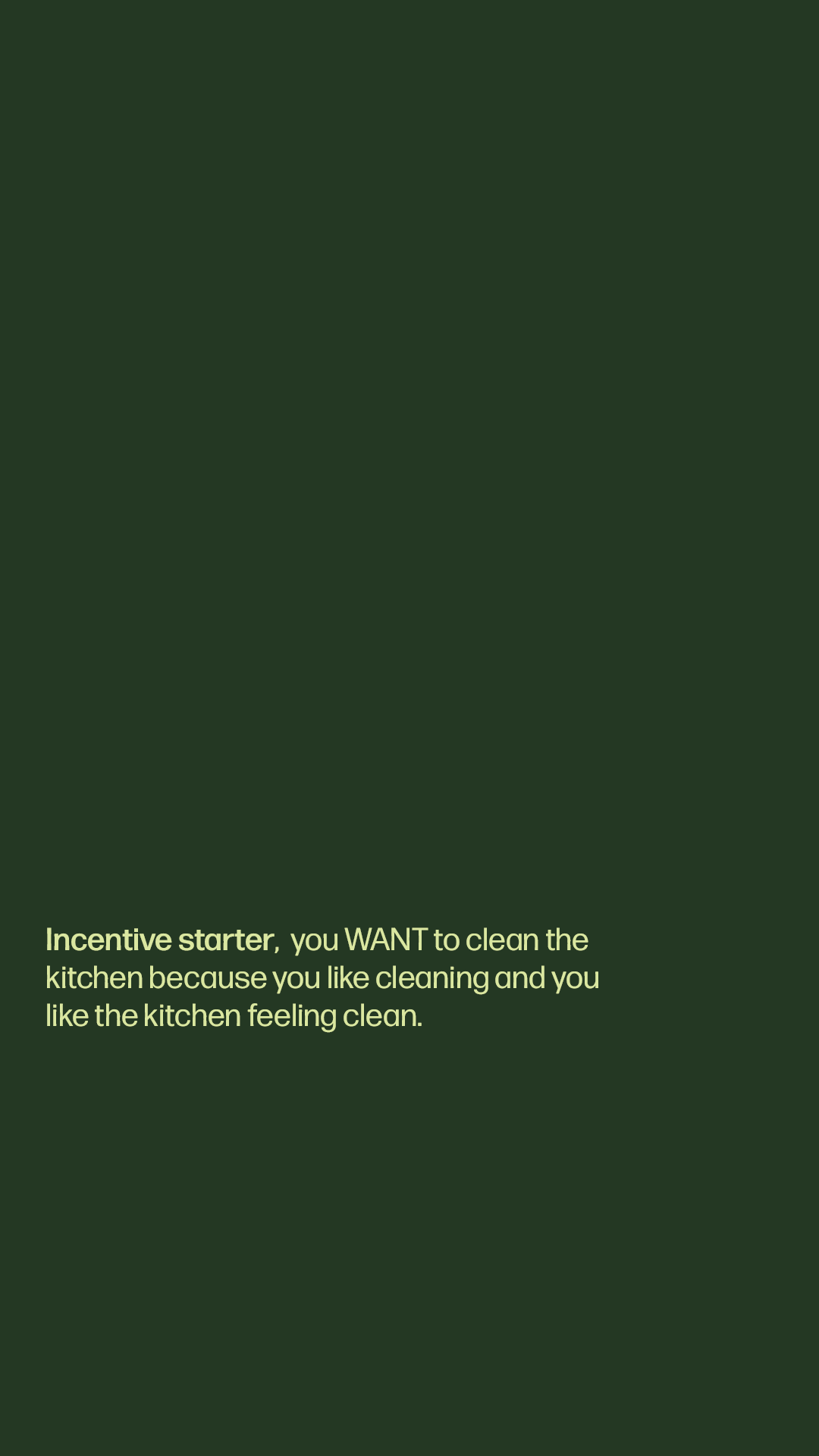
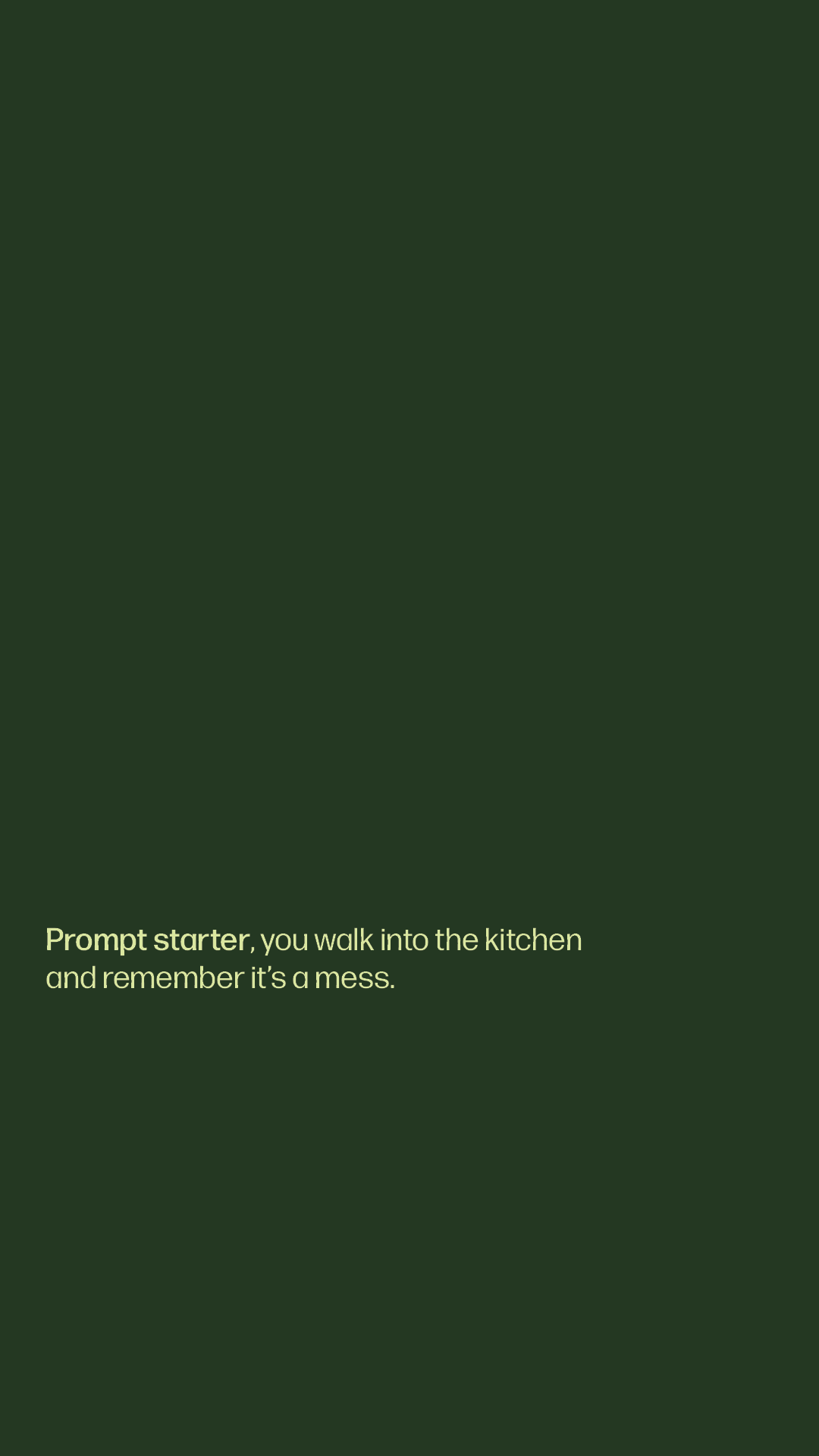
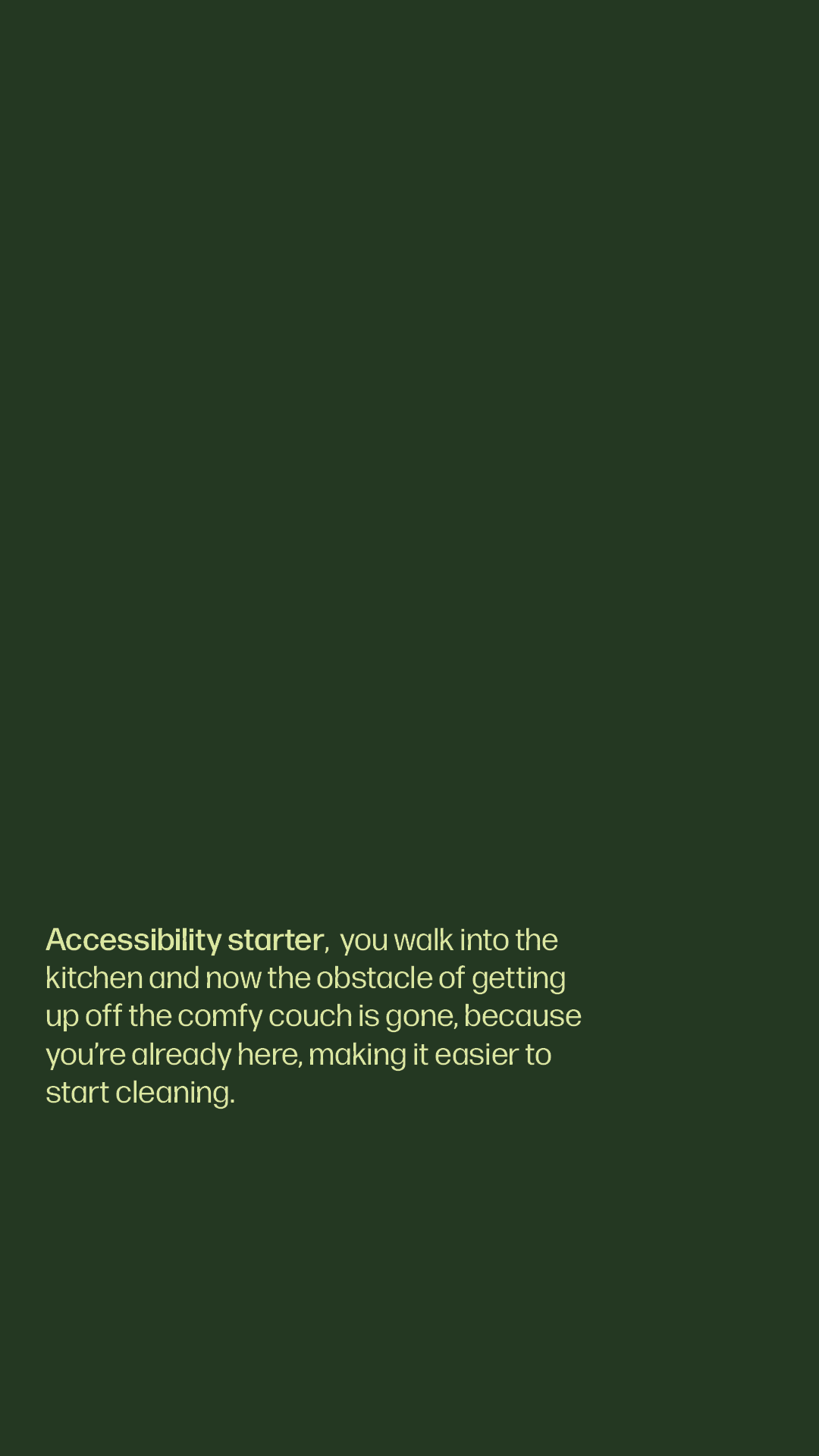
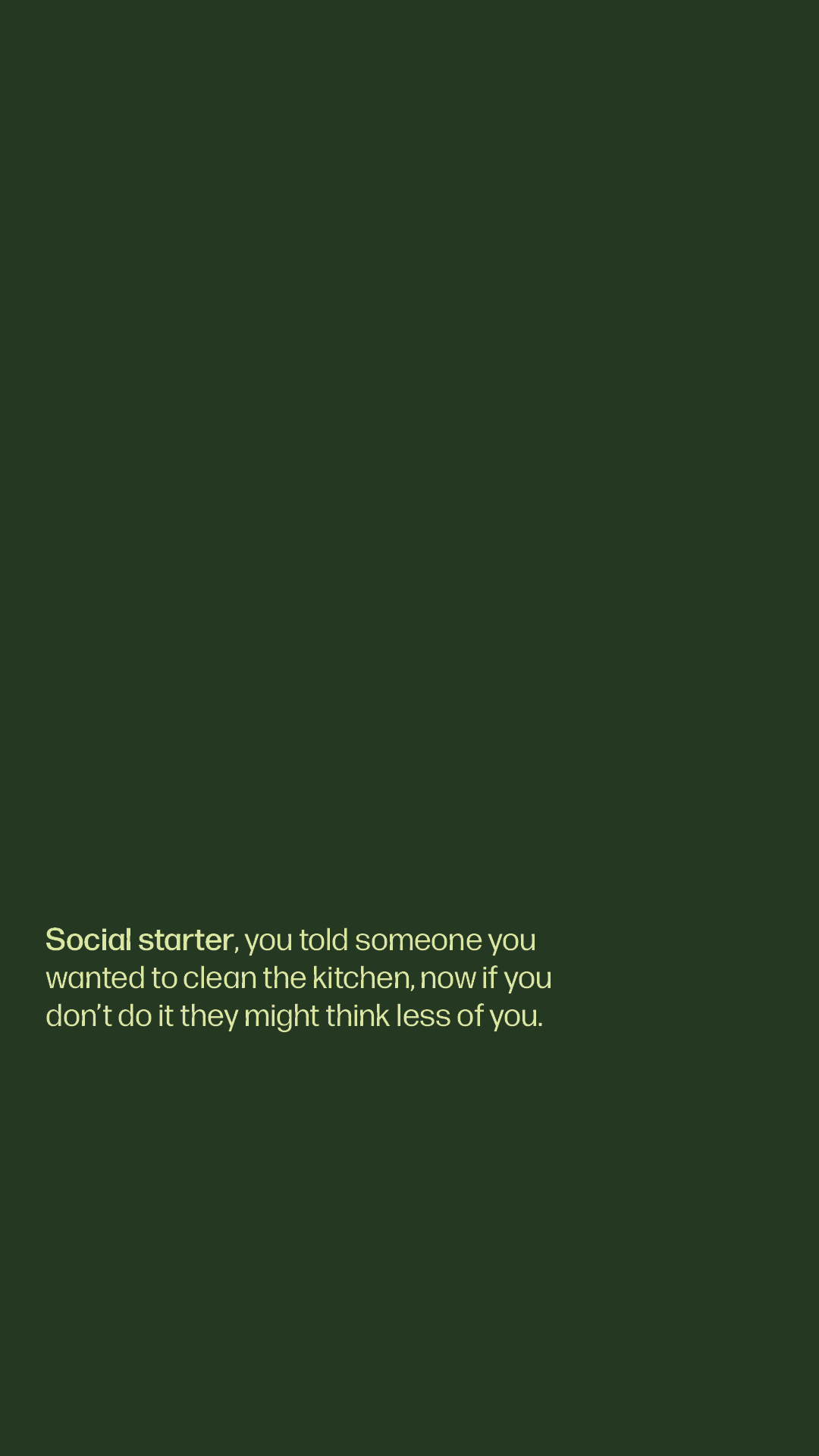
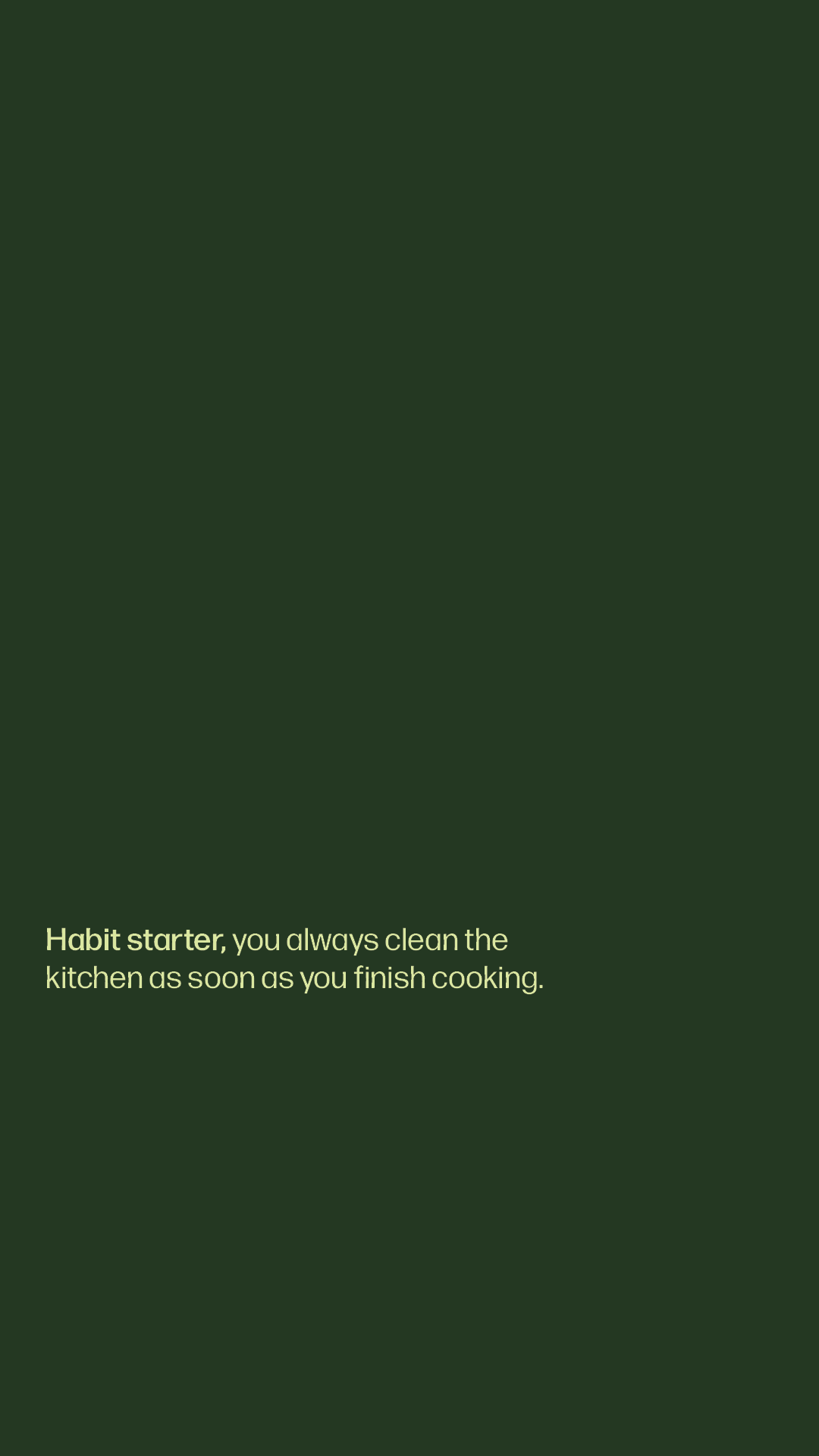
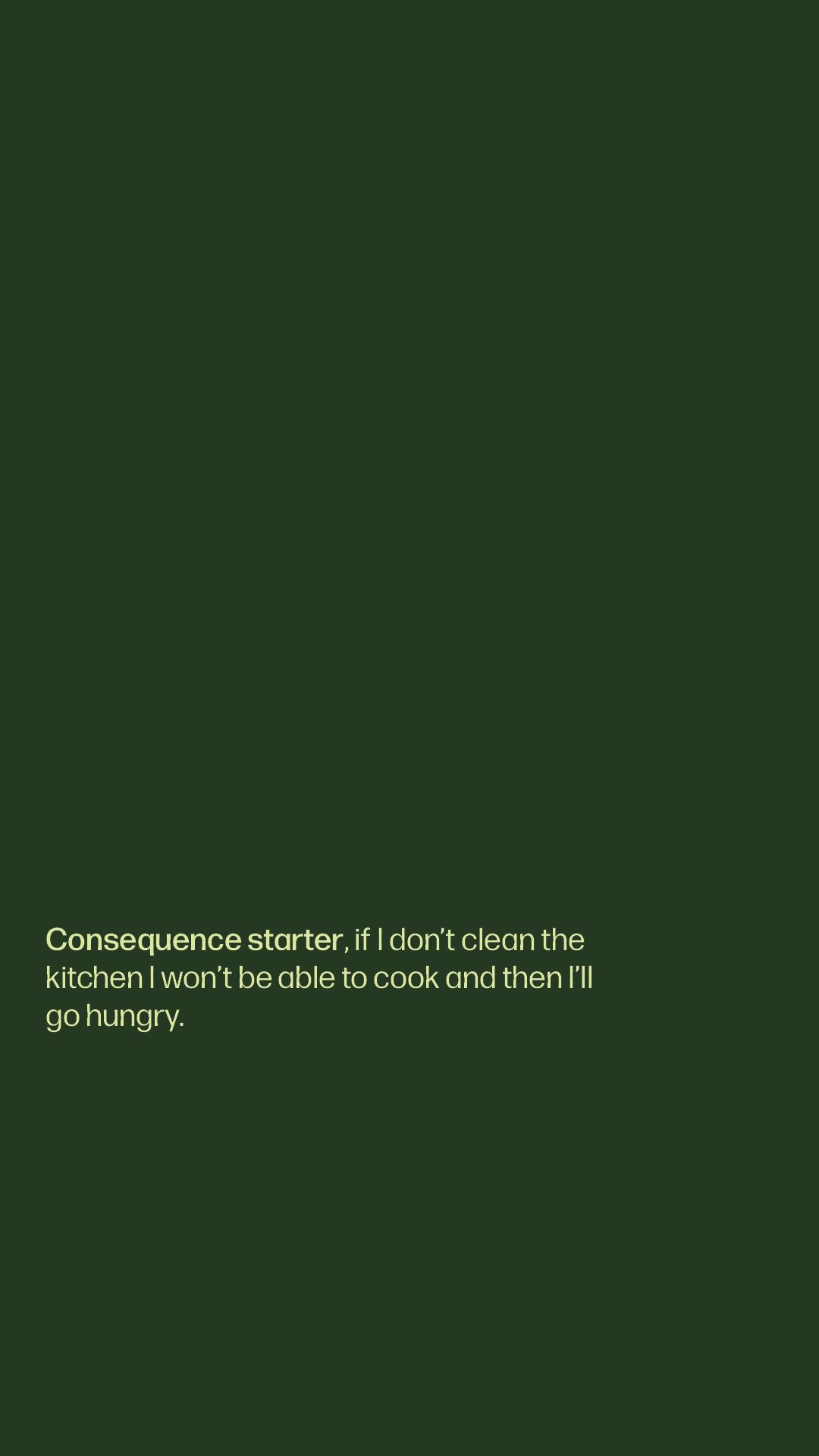
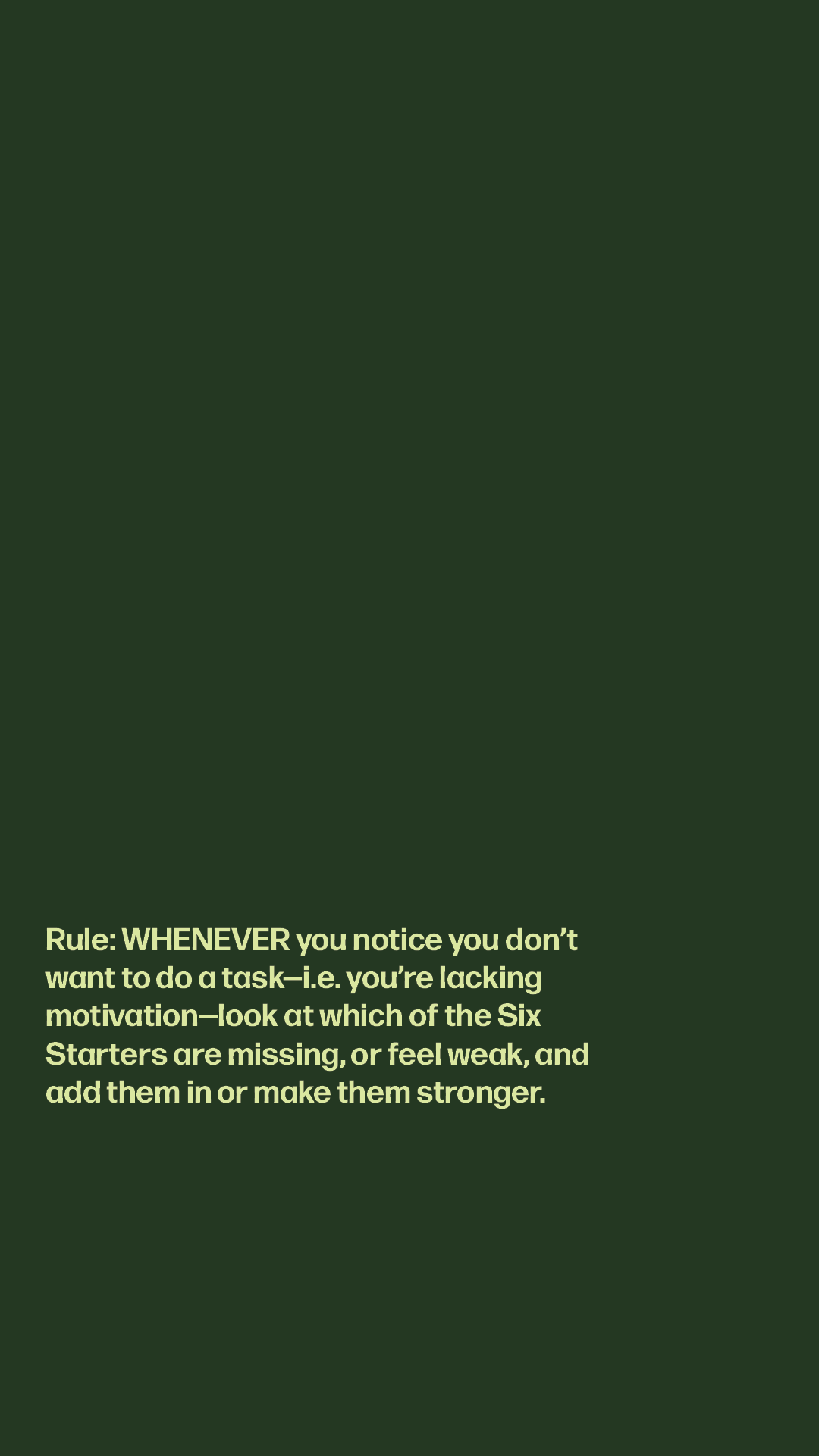
- b) set the other eight images as a slideshow. This is better if you just want to gradually learn them all over time (and a cleaner lock screen).
- Copy the text from the AI_Prompt image and save it somewhere accessible to use when you need.
The AI prompt